
Rise Timesheet Monday Selector
Time Sheet: Visual Remediation
Company: TLC Solutions
Technical Overview
A lightweight content-script extension that forces the Rise timesheet date picker to the Monday of the current week so the full week is displayed instead of the current day.
The Problem
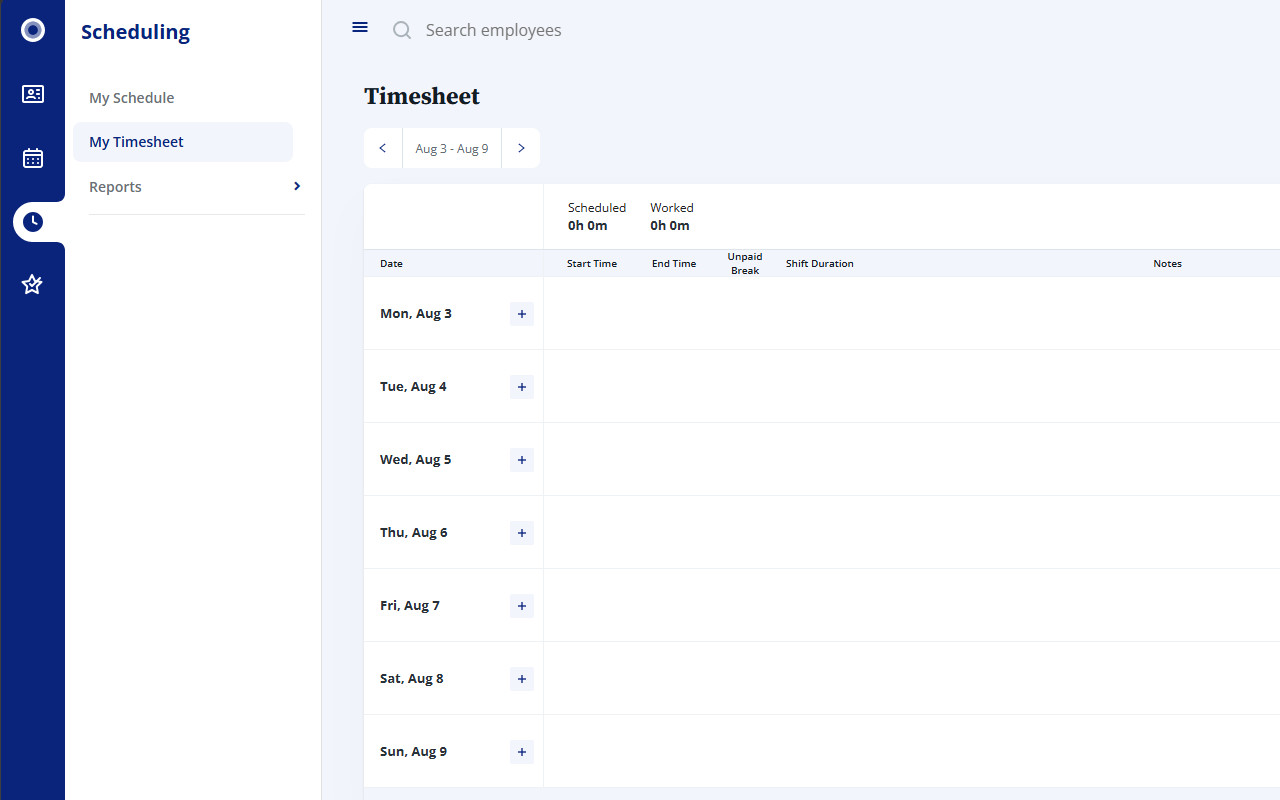
Rise’s Timesheet page (#/scheduling/timesheet) uses an Angular Material date picker (input[data-mat-calendar]).
By default the control initialises to today’s date. This causes the week view to start mid-week, forcing the user to manually navigate back to Monday on every visit.
Goal
Automatically set the date-picker value to the Monday of the current ISO-style week as soon as the control appears, without relying on private Angular APIs or leaving long-lived observers running.
Implementation Summary (v1.2.0)
The script is a self-contained IIFE that runs as a content script.
Core date logic
function getMonday(date = new Date()) {
  // Normalise input → Date object
  // Use a fixed offset map so Sunday → previous Monday
  // 0 = Sunday … 6 = Saturday → offset to previous Monday
  const diffMap = [5, -1, 0, 1, 2, 3, 4]; // corrected common mapping
  const day = date.getDay();
  date.setDate(date.getDate() - diffMap[day]);
  return date;
}
The resulting date is formatted as YYYY-MM-DD.
Setting the value (store-friendly path)
- Locate the input with document.querySelector('input[data-mat-calendar]').
- Focus the element.
- Assign the value via the native property (or the HTMLInputElement prototype setter as fallback).
- Dispatch the standard events Angular Material listens for:
['input', 'change', 'blur'].forEach(type => {
  input.dispatchEvent(new Event(type, { bubbles: true }));
});
No __ngContext__ or other private Angular structures are touched.
Lifecycle & observation
- A hashchange listener re-arms the logic when the user navigates to #/scheduling/timesheet.
- On the target page a short-lived MutationObserver (or a lightweight polling loop) waits for the date-picker input.
- As soon as the input is found (or after a hard 12-second timeout) the observer is disconnected.
- Success or timeout both trigger full cleanup so nothing continues running in the background.
This design keeps the extension’s footprint minimal and avoids the permanent document.body observer that previously raised review flags.
What Changed in v1.1.0
| Area | Previous behaviour | Current behaviour |
|---|---|---|
| Angular access | Used __ngContext__ | Pure DOM + events only |
| Observer | Permanent, subtree:true | Short-lived + 12 s safety timeout |
| SPA navigation | Basic alreadyRan flag | Explicit hashchange + cleanup |
| Value setting | Heavy reliance on private APIs | Standard property + event dispatch |
| Logging / residual work | More verbose | Minimal + guaranteed cleanup |
Privacy & Scope
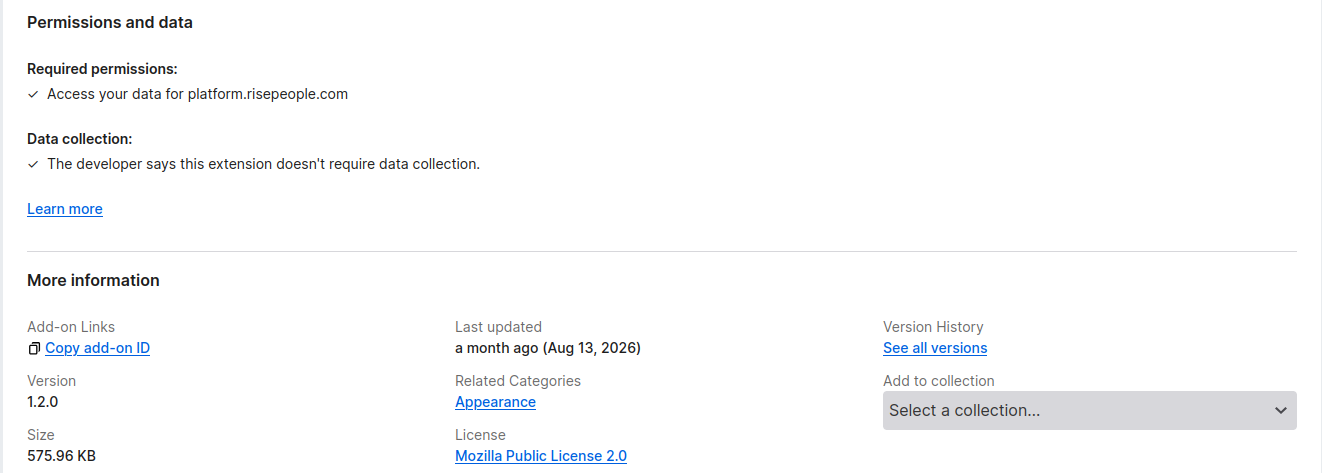
- Runs only on the Timesheet route.
- No network requests, no storage, no messaging APIs.
- Touches a single form control and then stops.
Result
Opening or refreshing the Timesheet page now consistently shows the week that starts on Monday, removing the repetitive manual adjustment that was previously required.
You should also read:

Automated Print Cost Recovery & Client Billing Integration
Print-to-Profit Solution
Company: Gold Business Technologies Ltd.
In professional services environments (particularly legal and consulting firms), printing, copying, and scanning costs represent a significant expense. Recovering these costs from clients—by accurately allocating usage to specific matters, clients, or departments—was historically manual, inconsistent, and prone to under-billing or disputes.
Continue reading...
Moneris Payment Gateway Integration for Online Invoice Payment
Drupal-Based Solution
Company: Gold Business Technologies Ltd.
Customers increasingly requested secure, non-PayPal options for paying invoices online. To meet this demand, the company selected Moneris as the payment processor. However, integrating Moneris into the existing infrastructure presented significant technical challenges due to an outdated website and legacy systems.
Continue reading...
Lottery Terminal Field Update & Rescue Toolkit
Custom Live Linux Distribution
Company: NCR Canada Ltd.
In the era before widespread high-speed internet, updating lottery terminal firmware or gaming software was extremely inefficient. Terminals used slow 1200 baud modem connections (often taking days for transfers), and the alternative—shipping specialized USB jump drives with EXT filesystem images—was costly, logistically complex, and incompatible with standard Windows systems.
Continue reading...